01 / PREPARE
Fine-tune every layer
Layer height, walls, infill, supports, temperatures, ironing, fuzzy skin and settings that change by height. Keep it simple or open the advanced controls.
A capable 3D printing slicer and part designer for the devices you already own. Prepare a model, tune every detail and send it to your printer from your phone, tablet or computer.
WrenSlicer is in development. Features and availability may change before release.
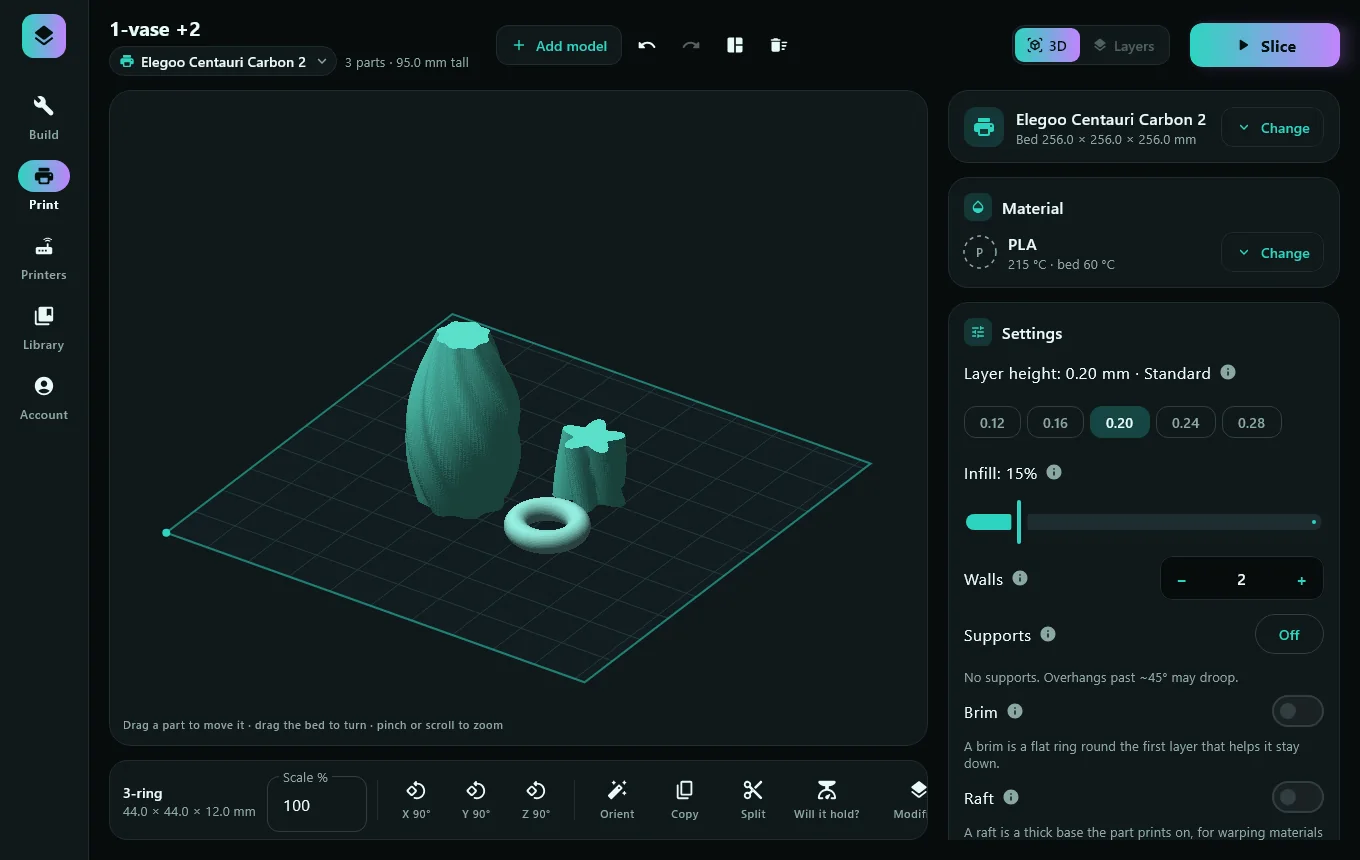
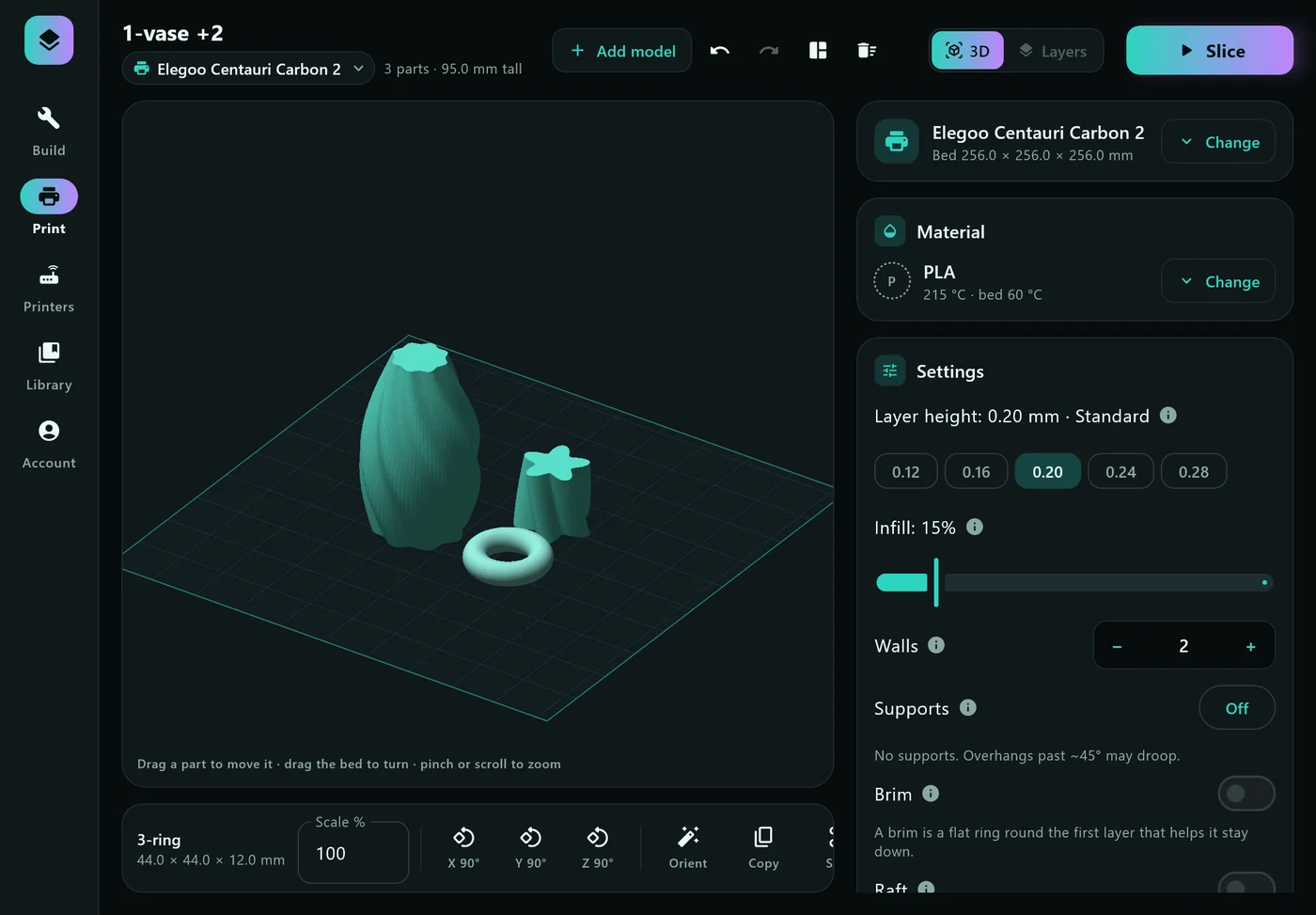
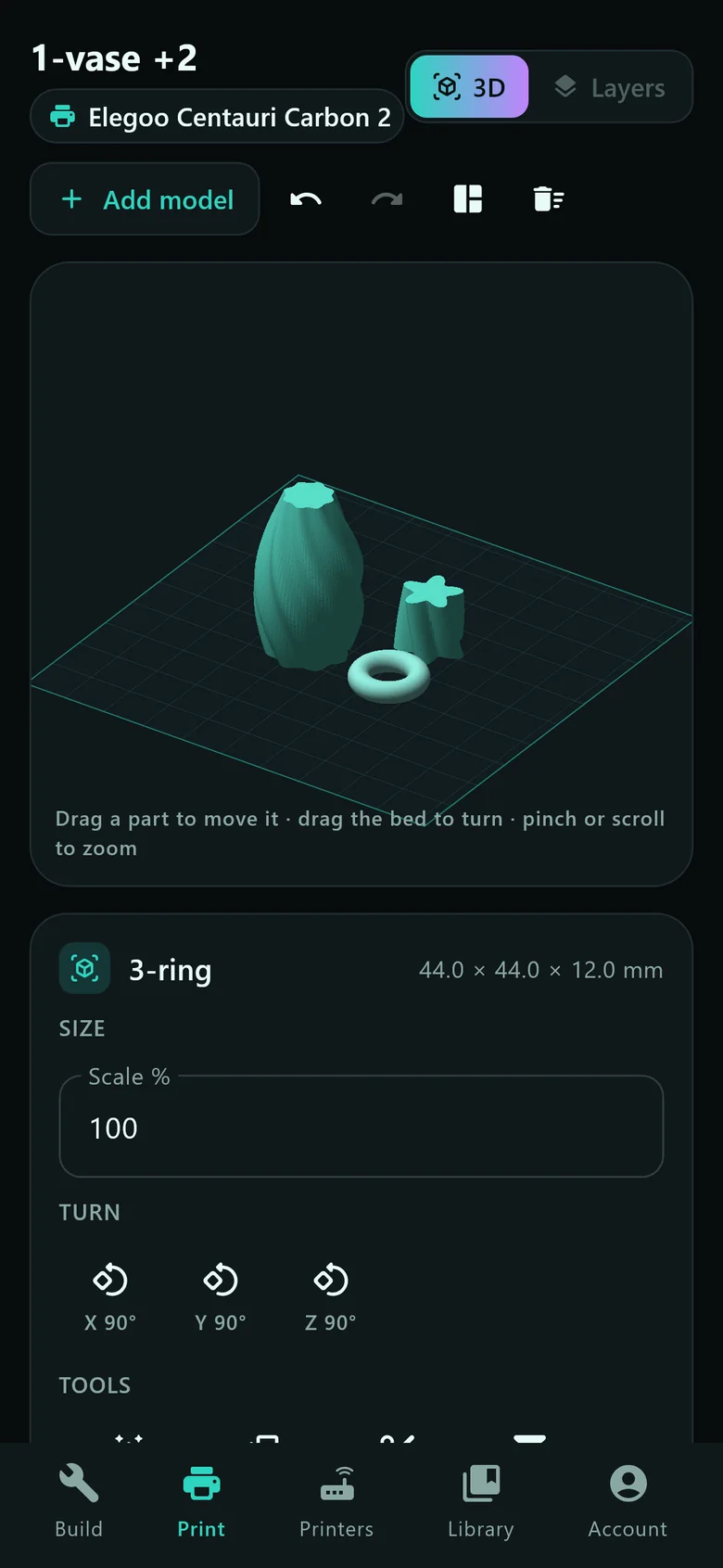
The same plate, settings and tools on iPhone, iPad, Android, Mac and Windows: a bottom bar and big targets on phones, a sidebar and keyboard shortcuts on bigger screens.
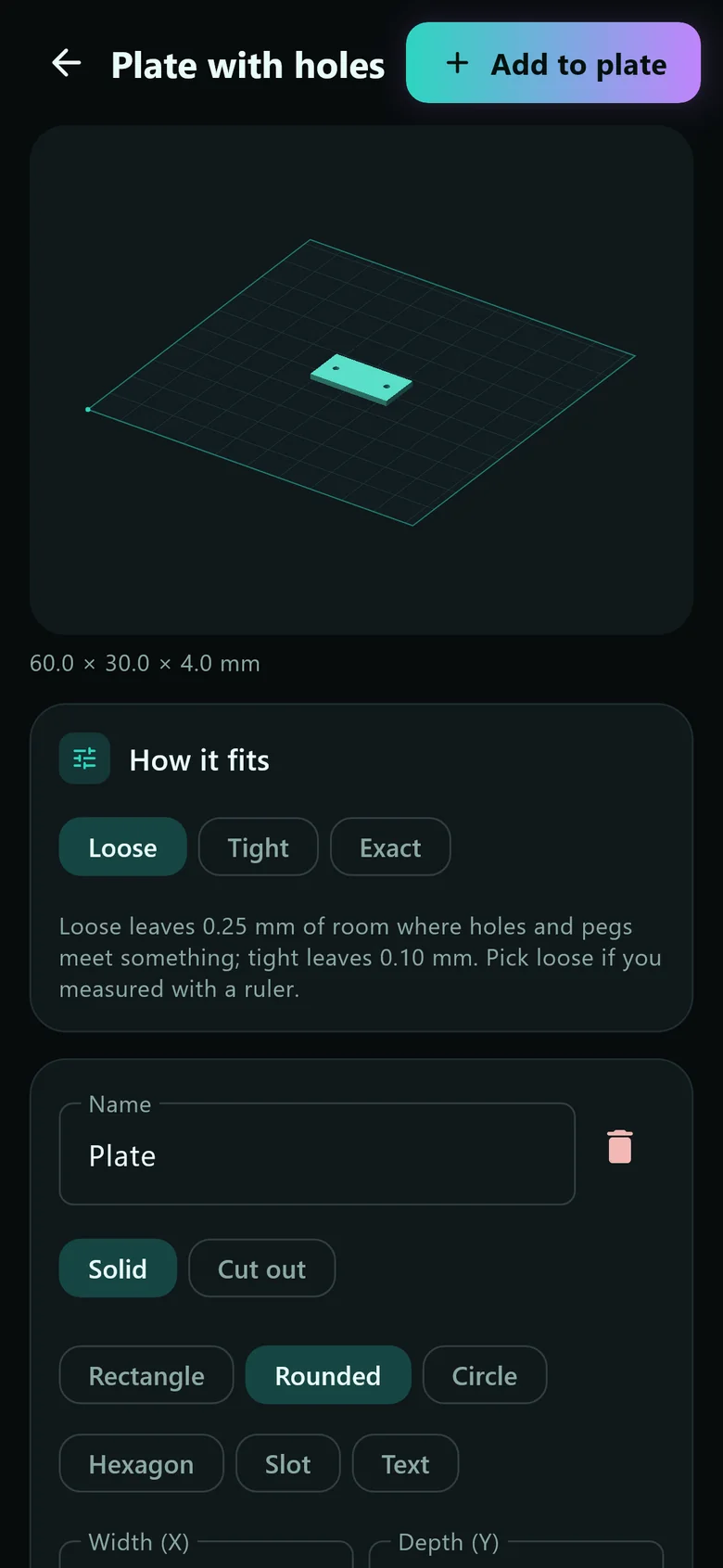
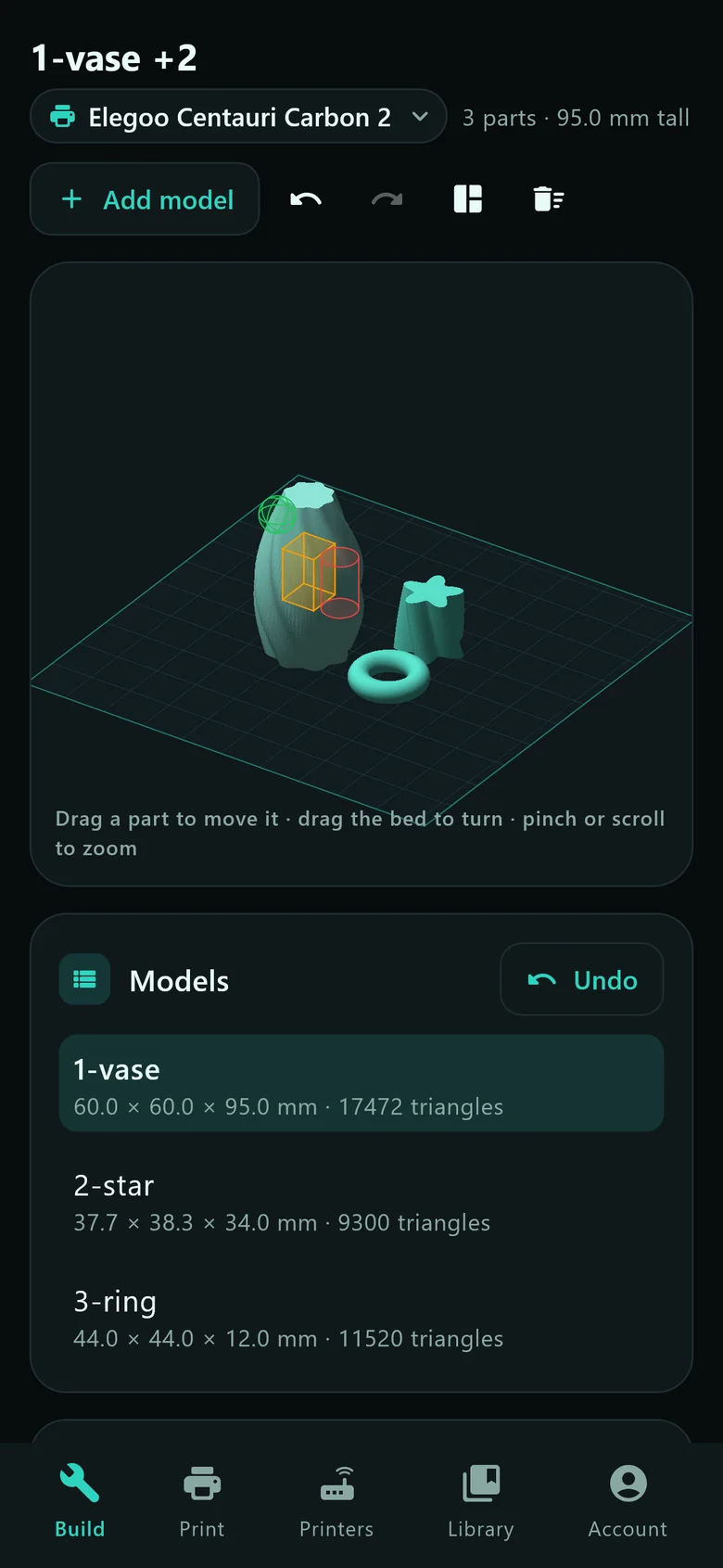
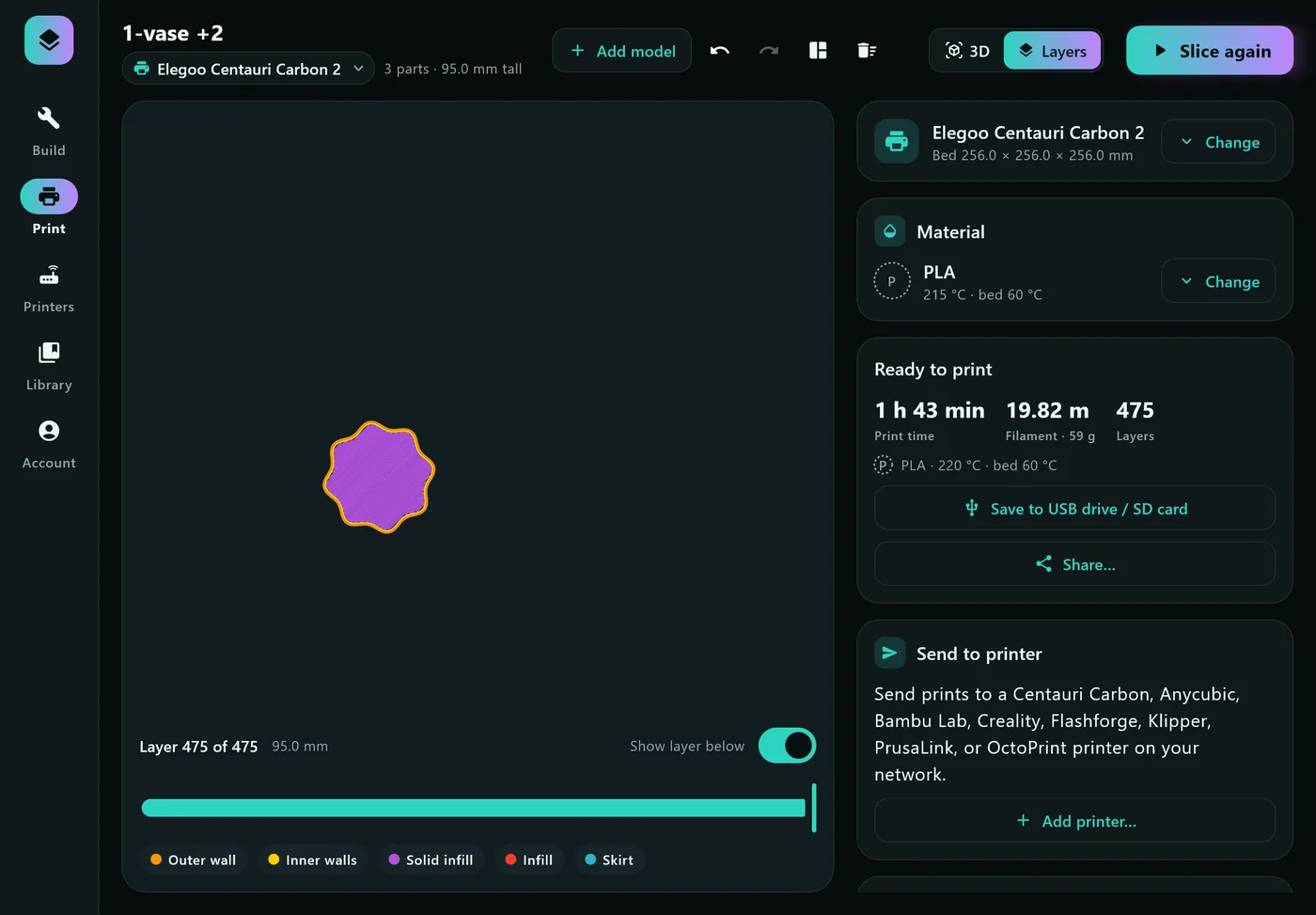
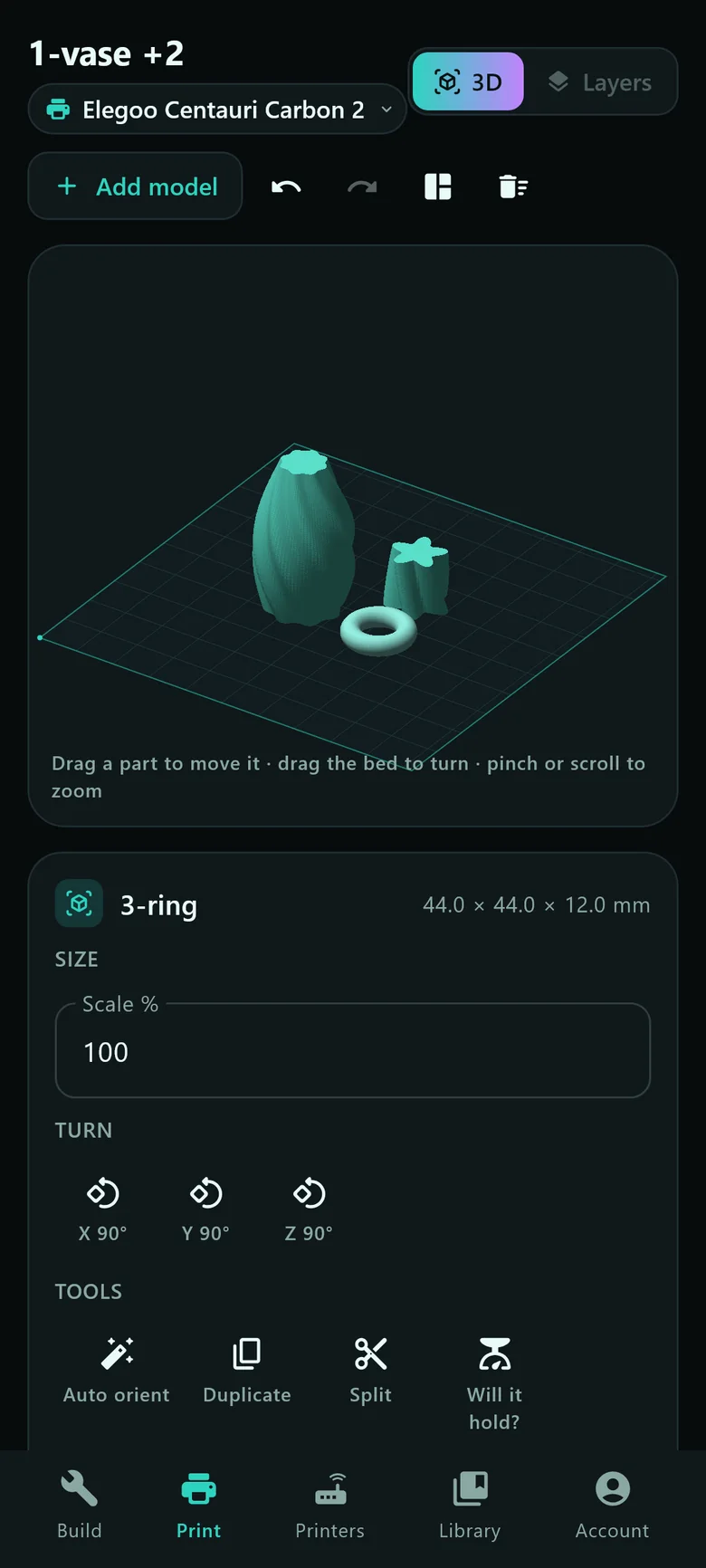
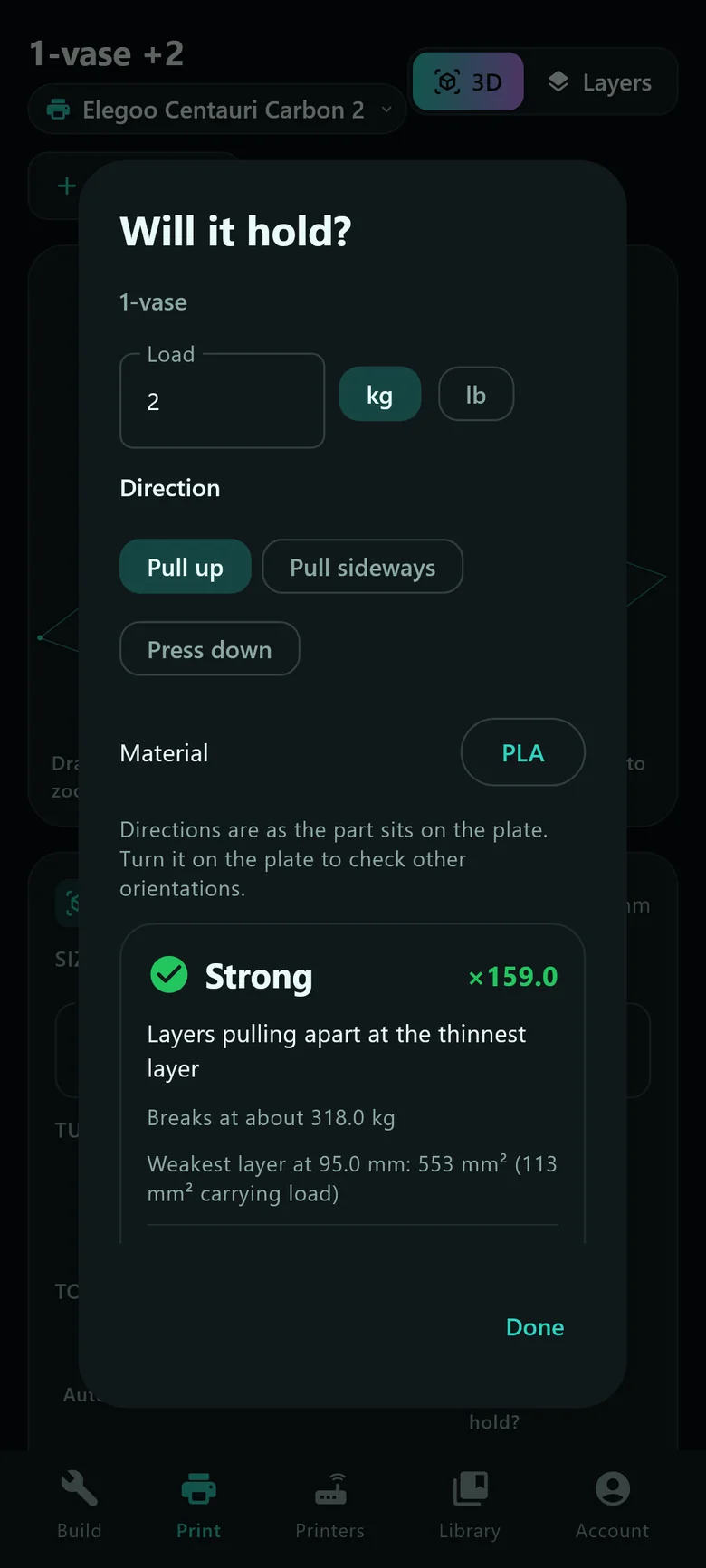
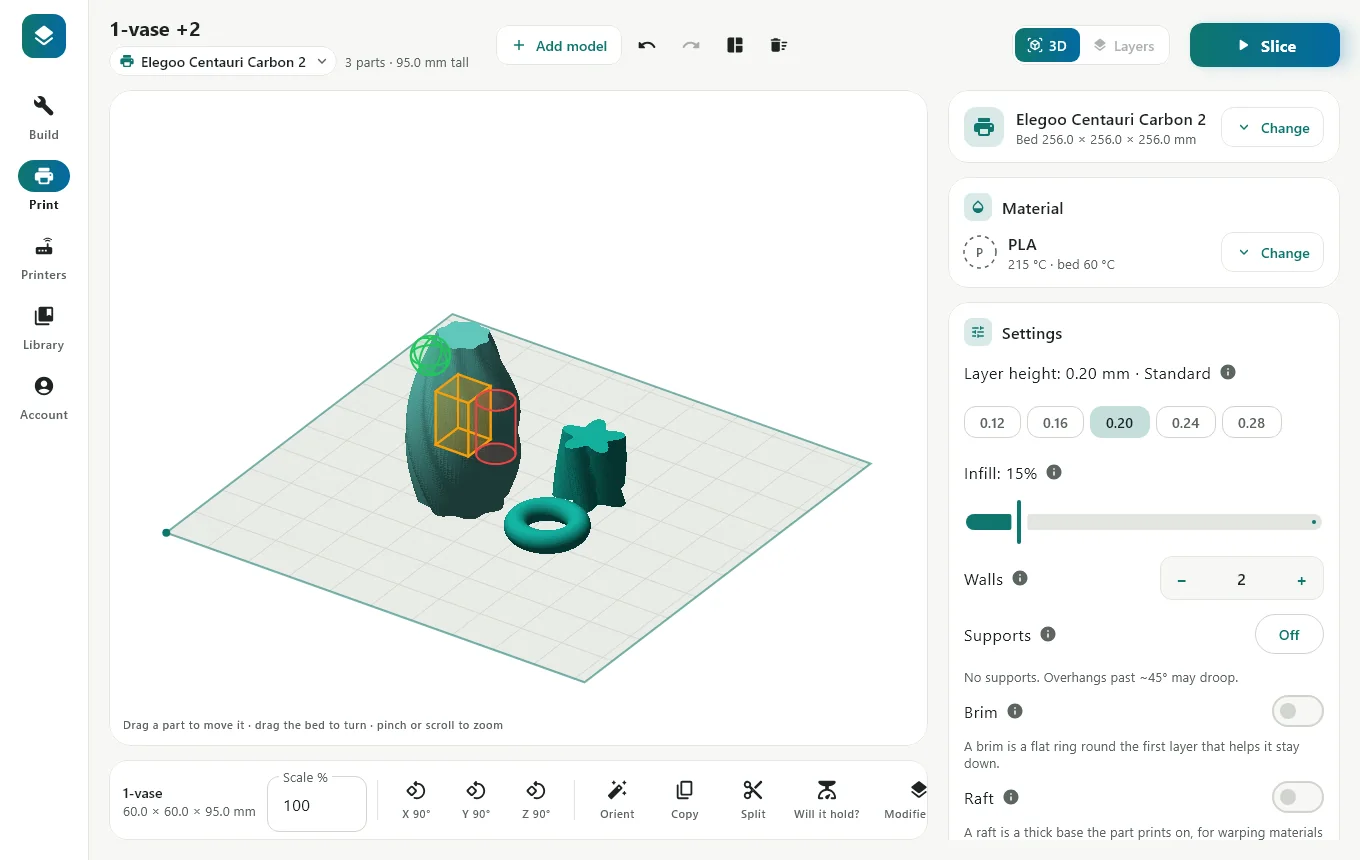
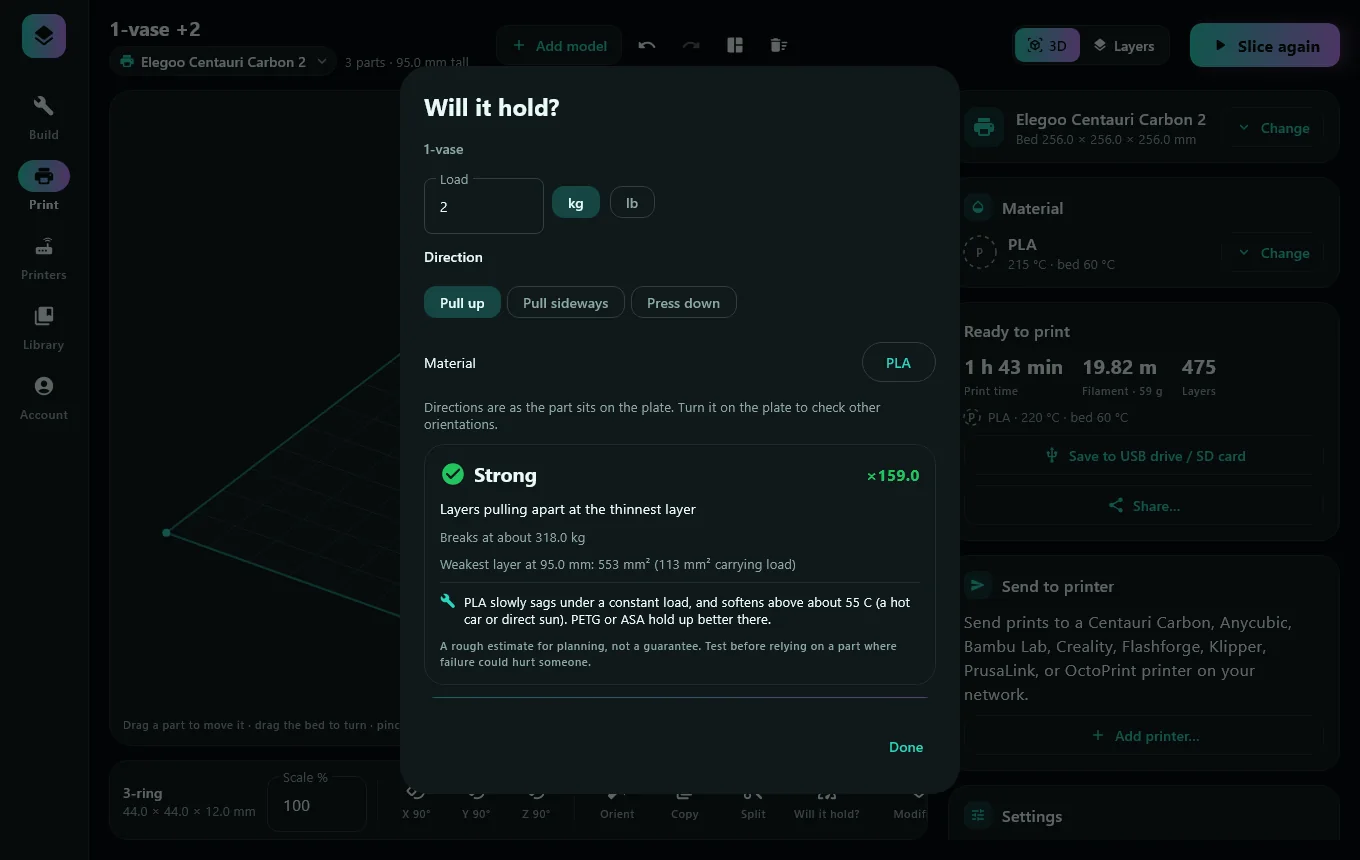
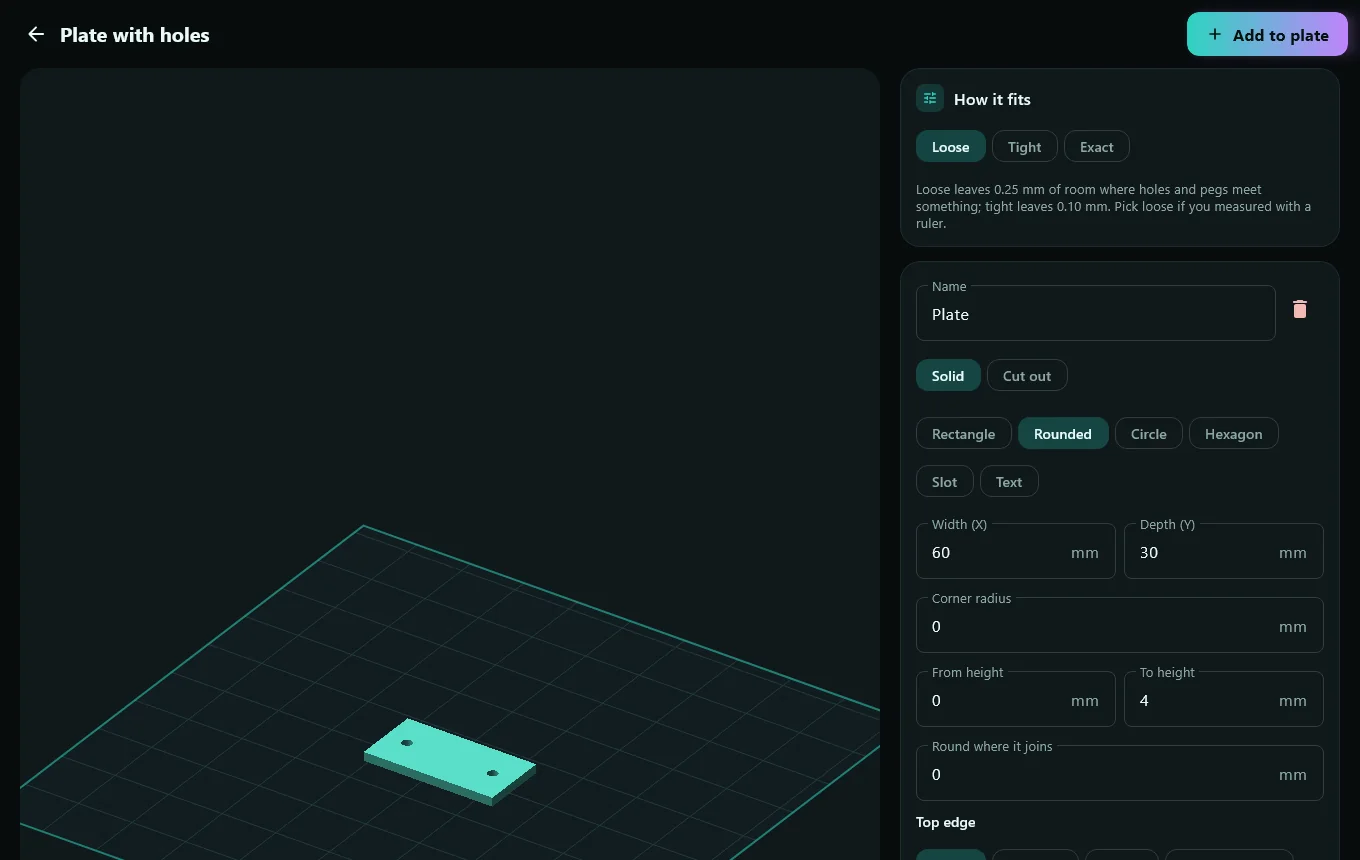
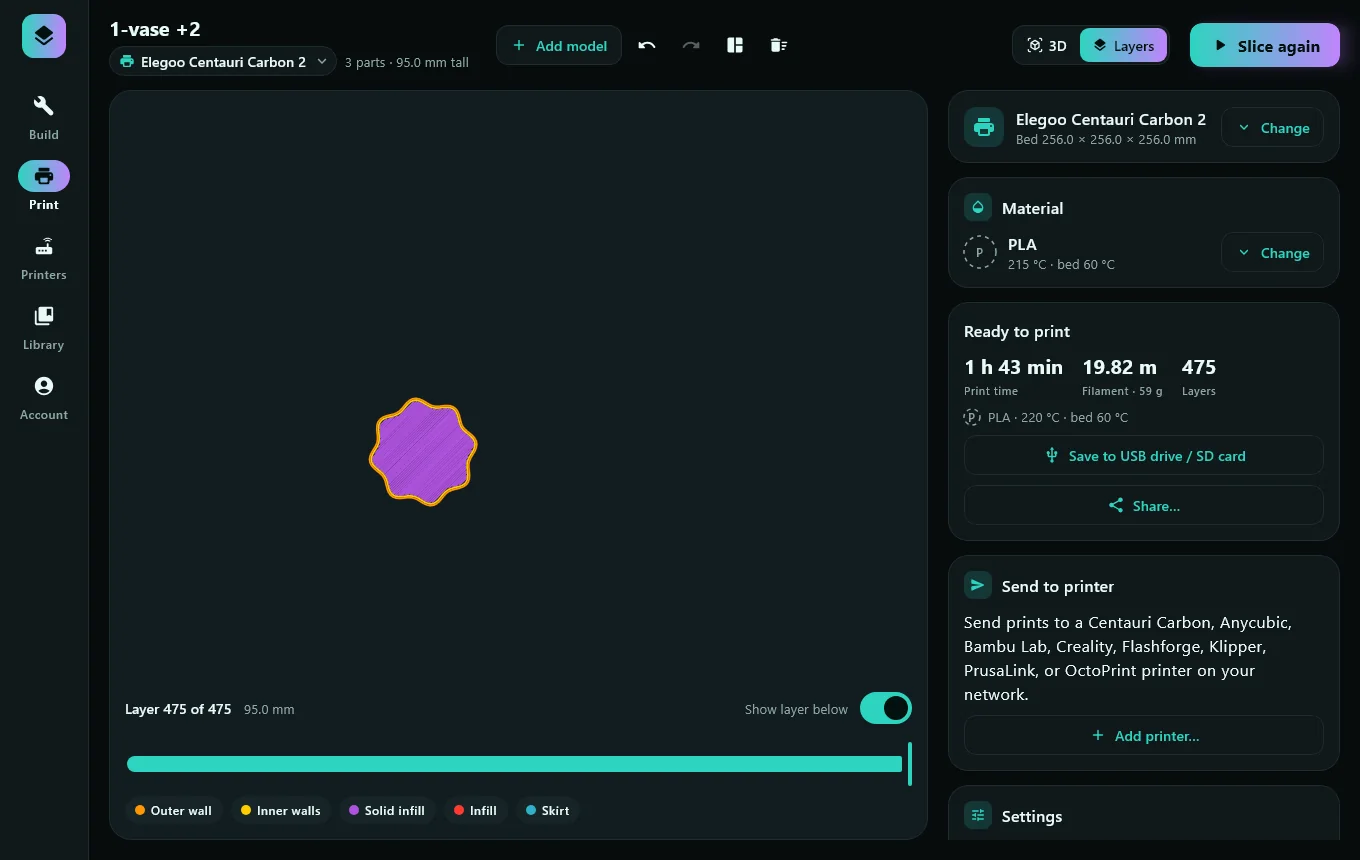
Screens are drawn by the app itself from development builds. Phone and tablet layouts are rendered at device size; the finished apps may differ.
Start with the model you have. Arrange it on the plate, shape it to fit, and choose the settings that matter to your print.
Layer height, walls, infill, supports, temperatures, ironing, fuzzy skin and settings that change by height. Keep it simple or open the advanced controls.
Move, rotate, copy and arrange models. Put a better face down, split a part, or open every model in a .zip at once.
Send over Wi-Fi to Bambu Lab, Elegoo, Creality, Flashforge, Anycubic, Klipper and more, print over USB from a computer, or save to a card.
Editable templates become true 3D solids: holes and hole patterns, chamfers, fillets, raised or engraved text.
Preview every layer, get a quick strength estimate, run calibration prints and keep a history with notes and ratings.
Snap a broken part or draw what you need, add a measurement, and get an editable design. Tracing an outline from a photo works offline; AI design needs a connection.
Updates land almost every day. See the full log →
A new name, a support inbox and beta sign-ups. The first app in the WrenNest family.
Raise or engrave text on any face, plus rounded inside corners and more budget printers.
Tilted sketches, chamfers, fillets, hole patterns, and USB printing from a computer.